# Reviews
The Reviews section contains a list of sent for review presentations and emails.
To open the Reviews section:
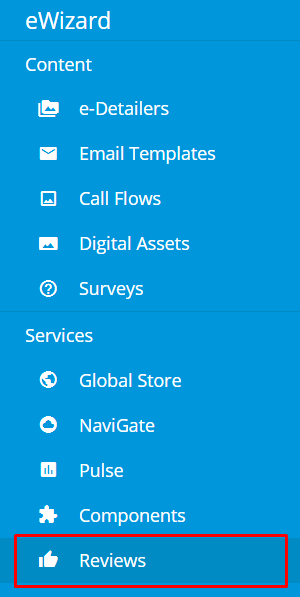
Unfold the burger menu.
Select
Reviews:
To switch between the presentations and emails, use the links on the left navigation sidebar.
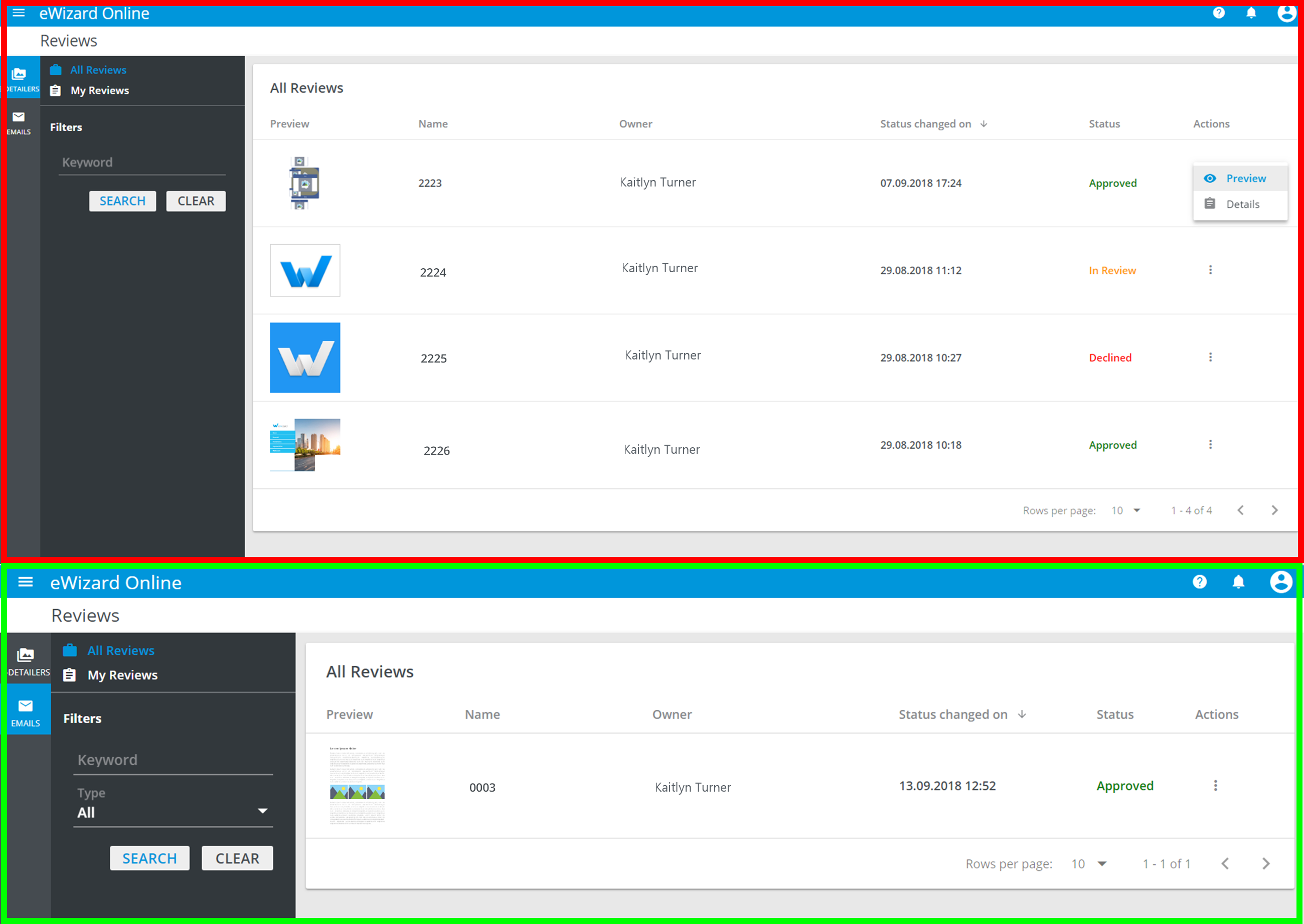
Presentation/email may one three statuses:
In review: waiting for review.
Reviewed: approved for further usage.
Declined: declined by reviewer for some reasons.
The Reviewed or Declined status means that the review process is complete.
The More options menu allows you to preview the content and to open the Review Details page.
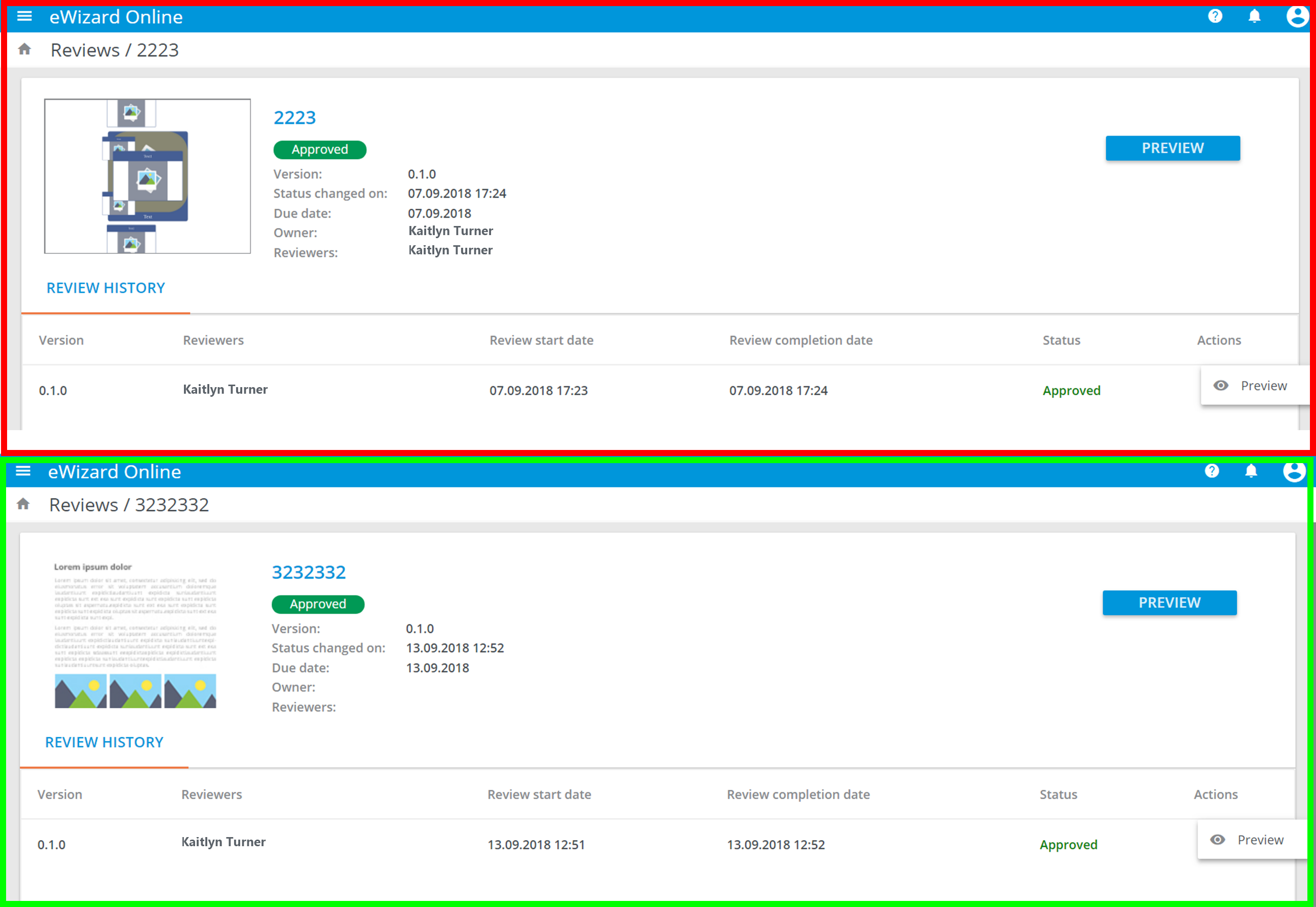
Presentations and emails sent for review are in the Reviews section and NOT AVAILABLE for edit.
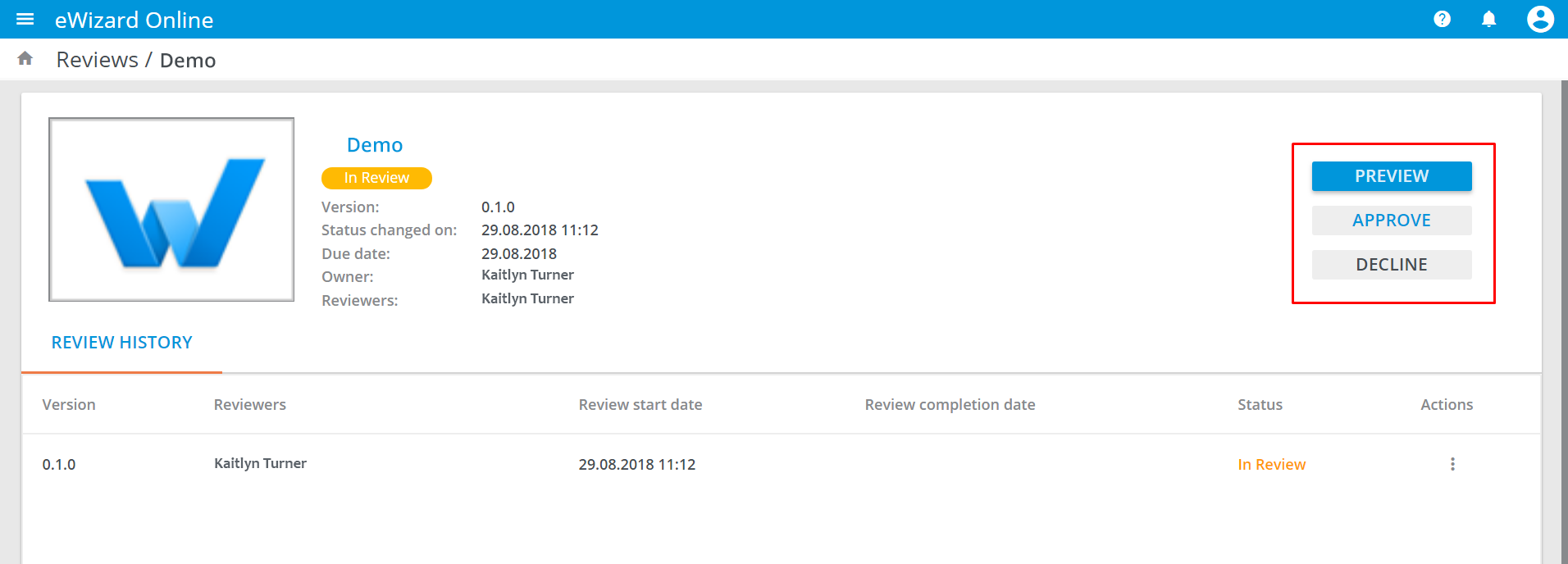
As long as its status is In review, a presentation or an email can be approved or declined on the Review Details page, as well: