# Overview
In the Email templates section, you can create or upload, save to templates, and share your emails or fragments with other users.
To open the Email templates section, do the following:
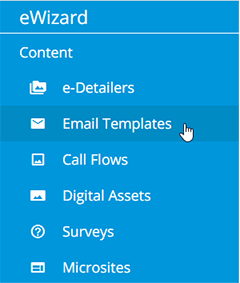
Unfold the eWizard main menu.
Click
Email templates:
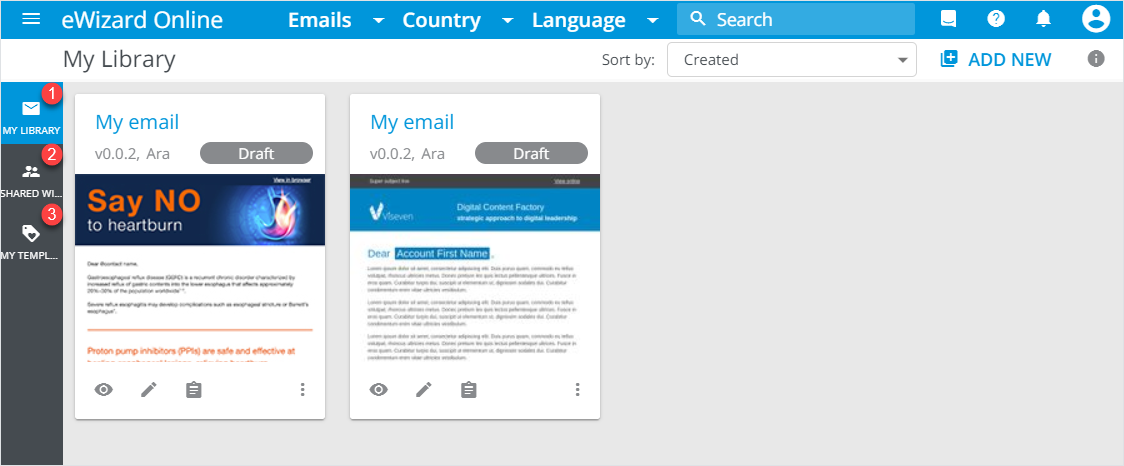
The Email templates section consists of the following spaces:
My library[1] where the newly created or uploaded emails and fragments are located.Shared with me[2] contains emails and fragments shared with you by other users.My templates[3] comprises your saved templates. They are available for further use when creating a new email or fragment.
Within all spaces, you can search, filter, and sort emails or fragments by the required parameters.
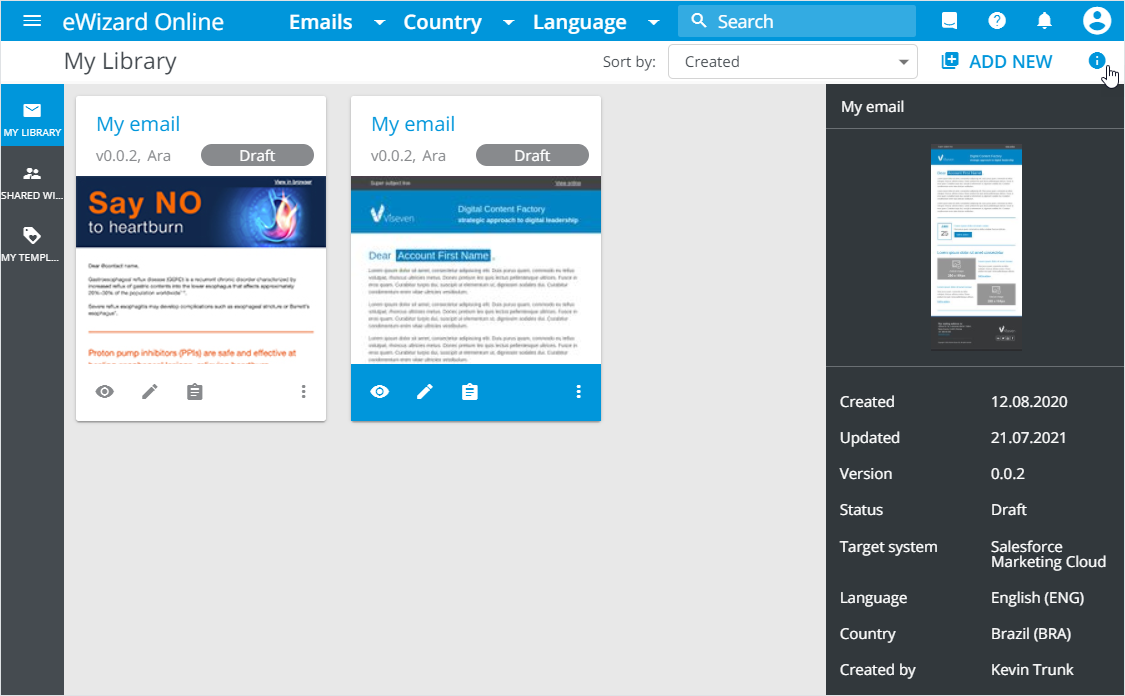
To view the selected item details, click  :
:
# Email publishing
Please find this article here.
# Email publishing to Veeva Vault as PDF
Please find this article here.
# Emails publishing to Veeva Vault
Please find this article here.
# Emails publishing to Salesforce Marketing Cloud
Please find this article here.
# Emails publish to Viseven CRM
Please find this article here.
# Emails export
Please find this article here.
Add new →