# Viseven CRM
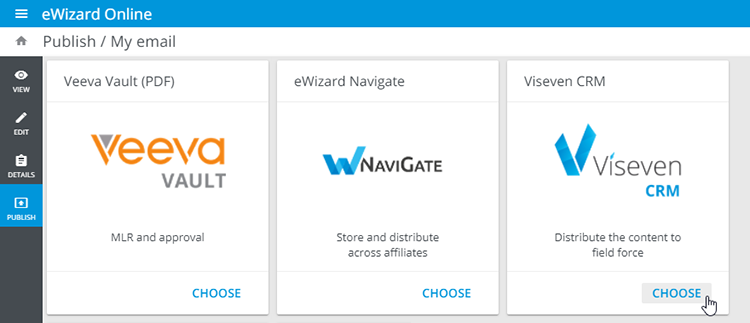
To publish the item to Viseven CRM, perform the first steps and proceed to the following:
- Choose
Viseven CRMon the target system selection page:
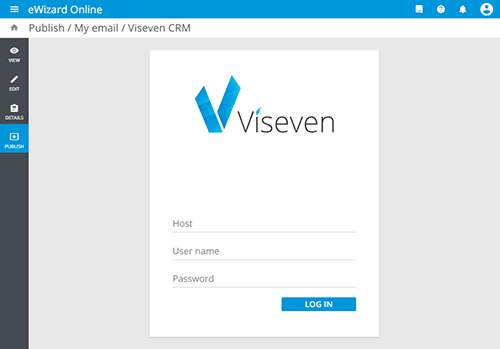
- Log in to your Viseven CRM instance. Enter the website address (
Host) and your credentials, and clickLog In:
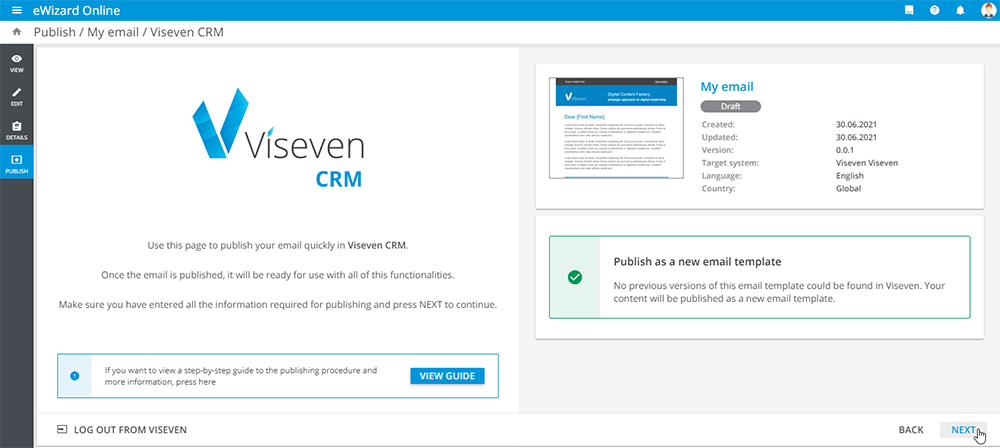
The system supports item versions; if you are publishing this email repeatedly to Viseven CRM, it is published as an update. Otherwise, a new template appears in Viseven CRM.
- Click
Next:
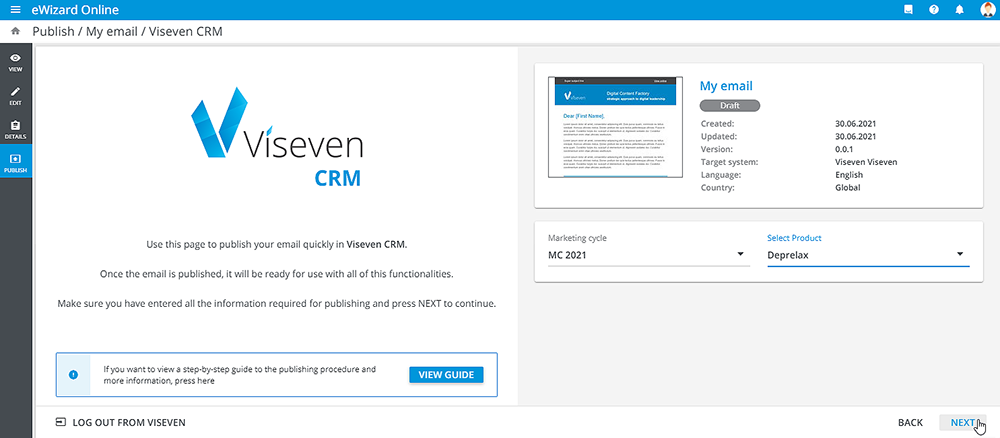
- Fill in metadata:
Marketing cycle
- Click
Next:
- The next step is to check the details. If you need make any amends, click
Back. Otherwise, clickPublish:
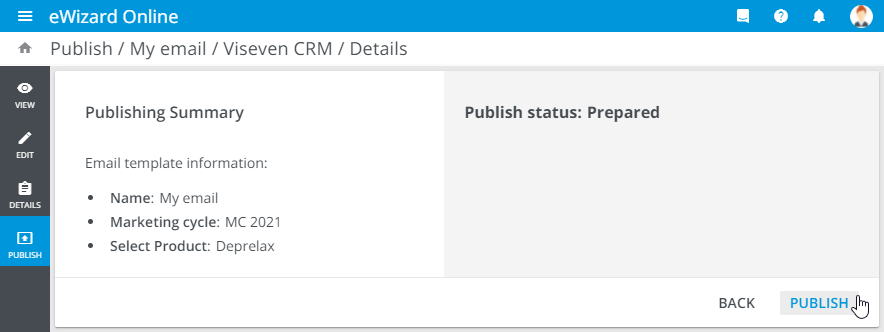
You can track the publishing progress. The successful publish is reported on the page directly, and also you receive the email notification.