# Microsite editing
To open the microsite's editor, click  on the microsite's thumbnail.
To add a component to the layout:
Drag the component from the
Componentstab on the left sidebar.Drop the component into the website's layout.
To edit the component:
Select the component at the layout.
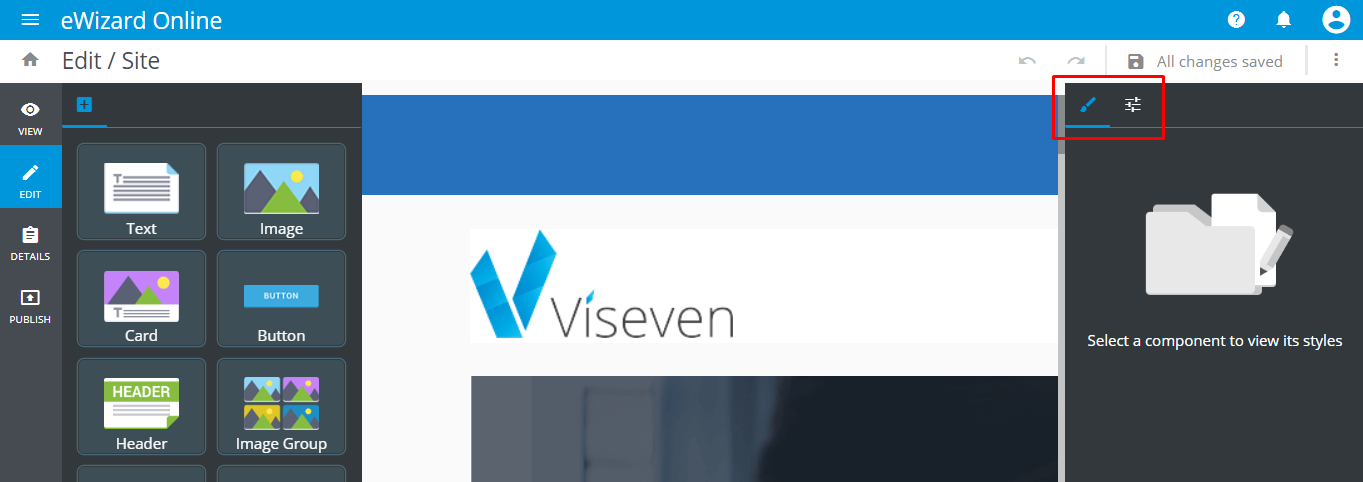
Adjust component's settings using
StylesandPropertiesin the right sidebar:
Read more about components editing (chapter Slide editing > Gallery > Components) here.
# Registration form
The Registration form is a unique component for websites. It is a special input form for registering to the event a microsite is designed for:
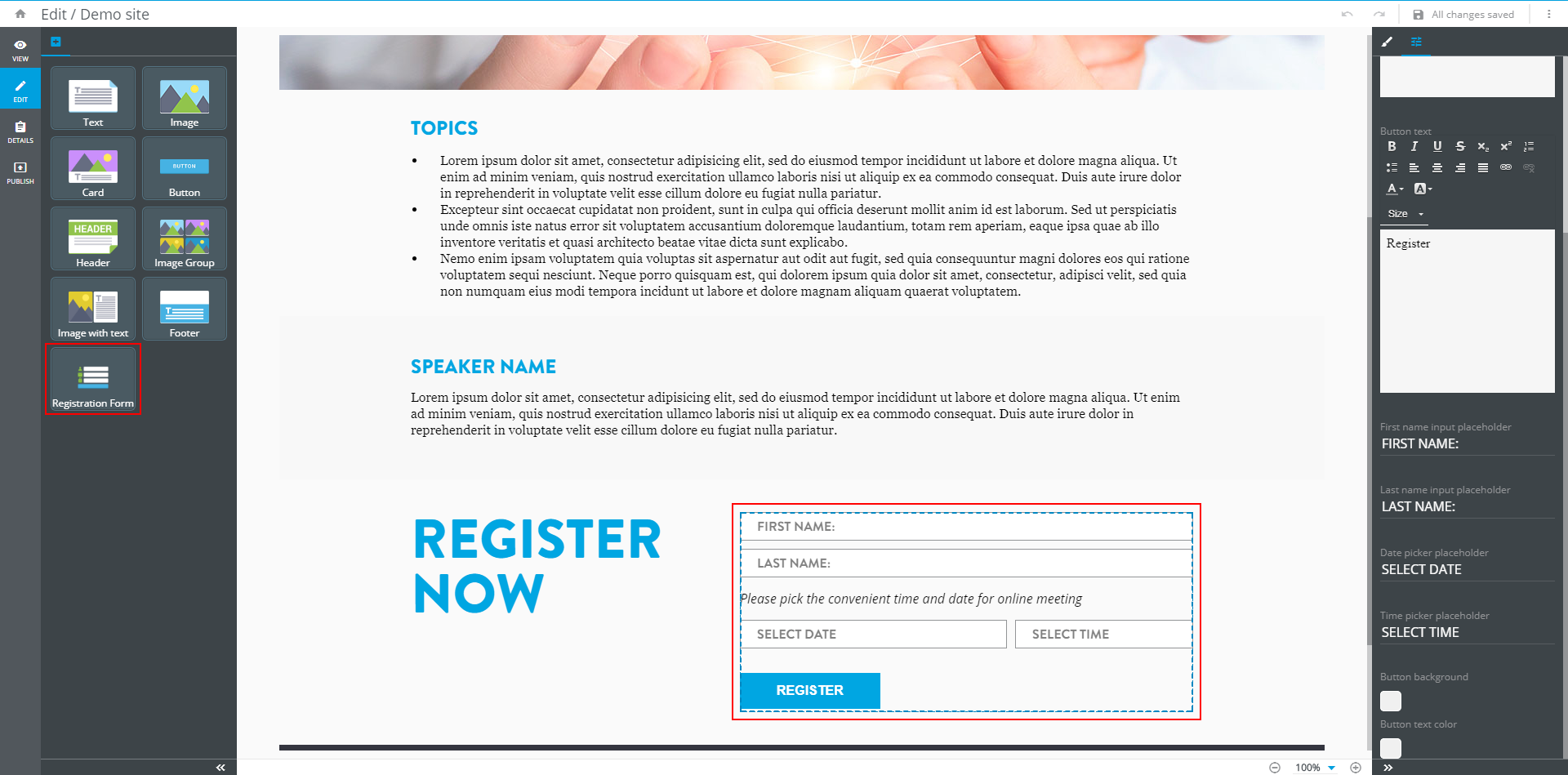
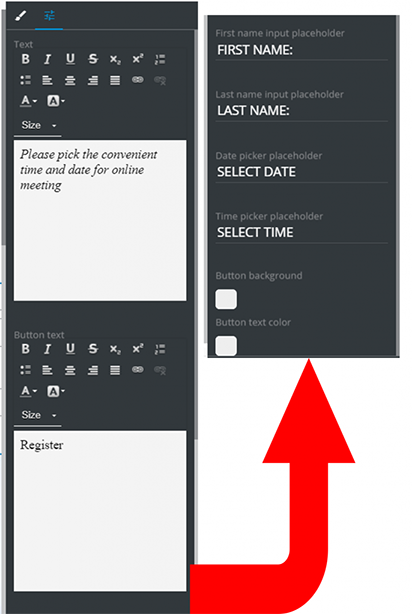
You can use the editing options for this component as well. Set the text font, add lists, adjust the alignment, and enter placeholders:
← Overview