# Email modules
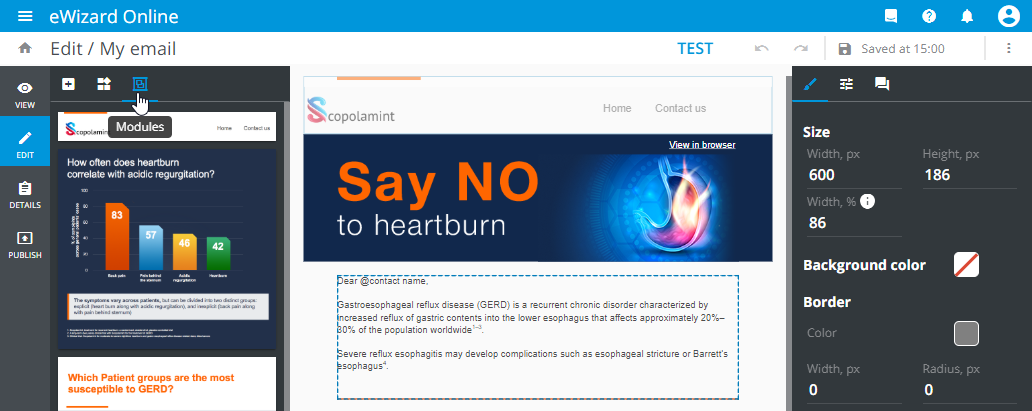
The module is a contentful entity, i.e. a ready-made piece of content. The architecture of the module is the same as that of the block, but the module components additionally comprise approved texts and images:
# Key message tracking
Available on demand
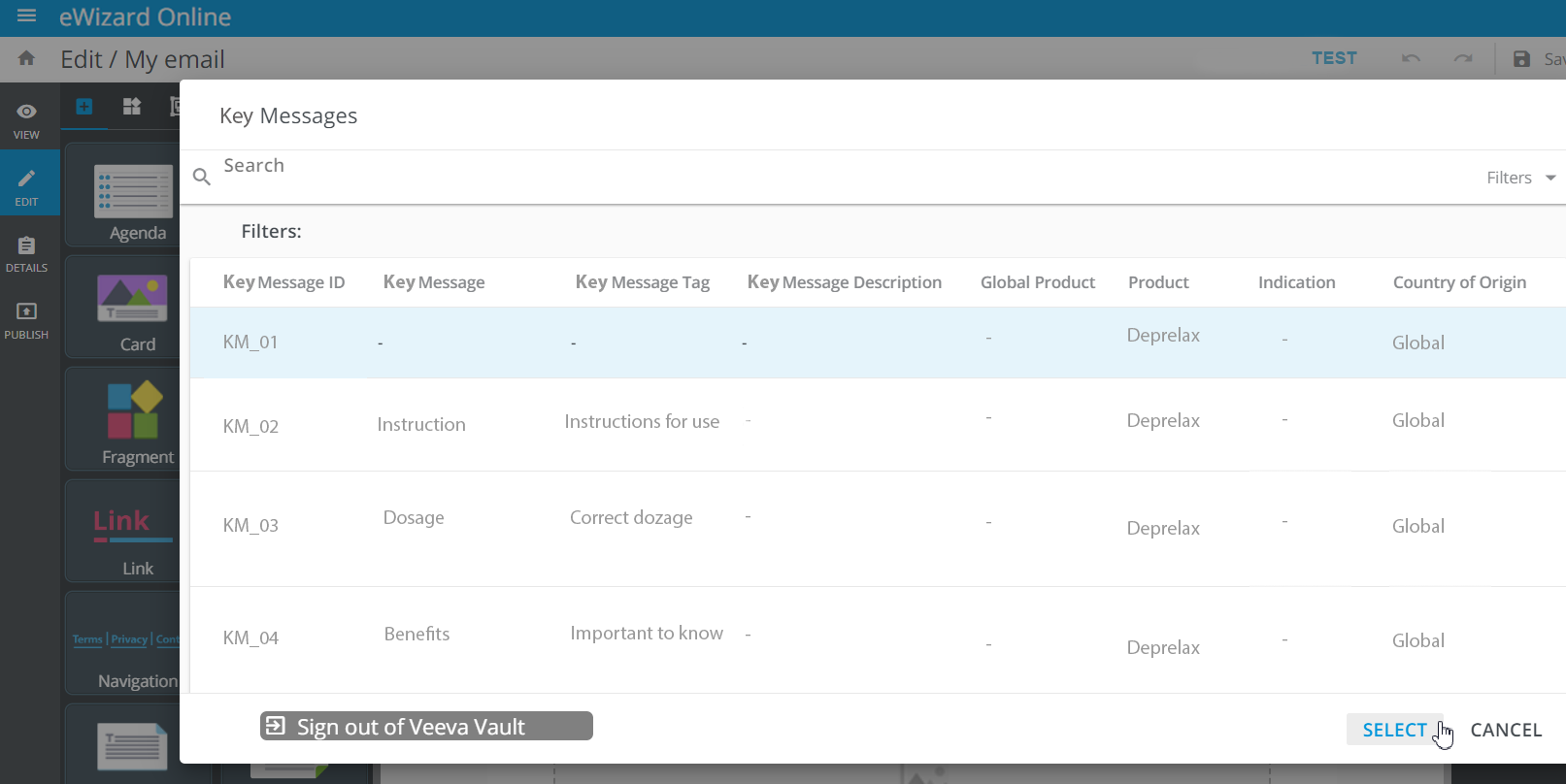
In Editor, you can add modules to the layout and assign Veeva Vault key messages to them. To do this:
Select a module on the layout.
Click
 on the
 Propertiestab.Sign in to Veeva Vault.
The pop-up appears for advanced key messages search.
Enter the required keywords.
Click
Select.
# Modules thumbnails
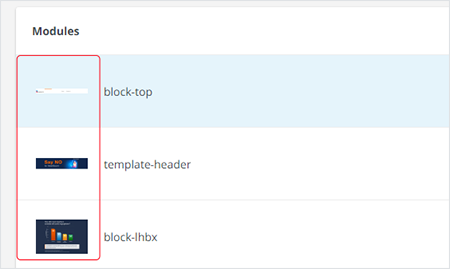
When publishing the email with modules, you can verify the modules by their thumbnails: