# Viseven
You can publish your e-Detailers to Viseven CRM/CLM. For this:
- Choose
Viseven CLMas the target system:
Enter
Host URL(e.g. https://hostname.viseven.io) and your Viseven CRM/CLM account credentials.Click
SIGN IN:
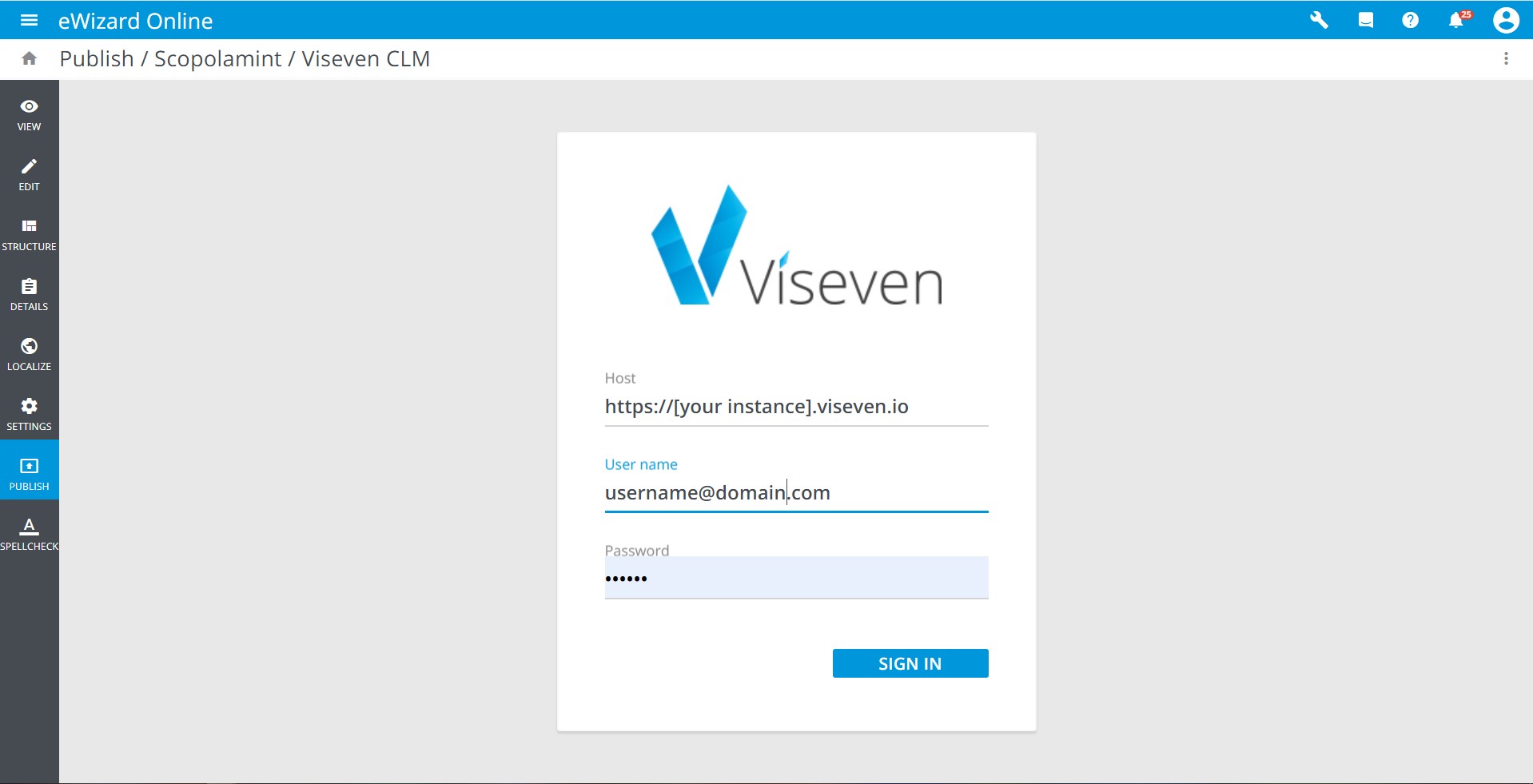
Make sure the user you are authorizing has permissions to publish the content.
- Review the data of the e-Detailer you are going to publish (thumbnail, name, author, version, etc.).
Your e-Detailer is published to Viseven CRM as new if you're publishing it there for the first time.
Any further publications of this e-Detailer to the current Viseven CRM host result in updating the earlier published presentation.
- Click
NEXTto continue:
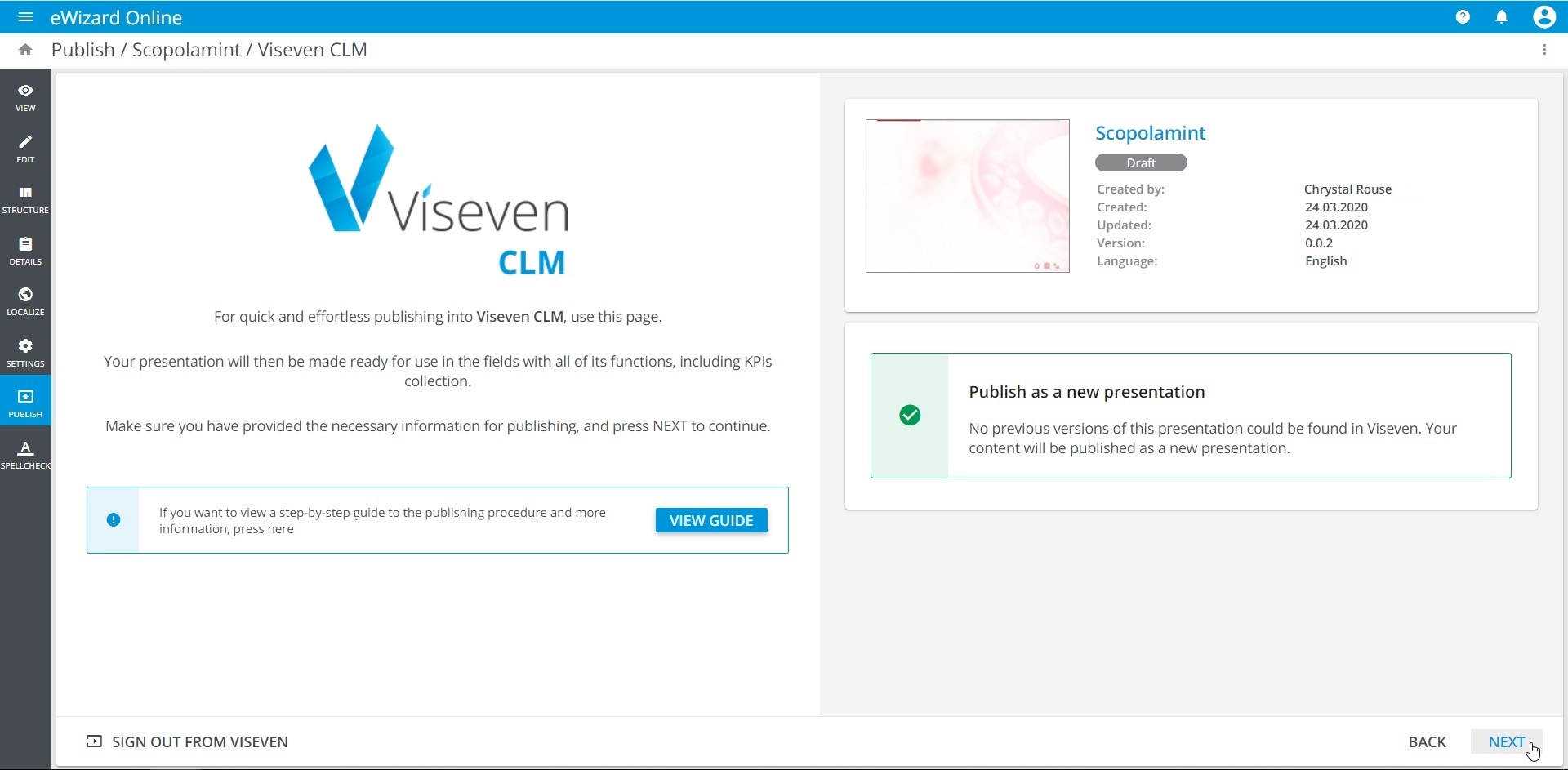
Click SIGN OUT FROM VISEVEN in the bottom left corner when you need to re-enter.
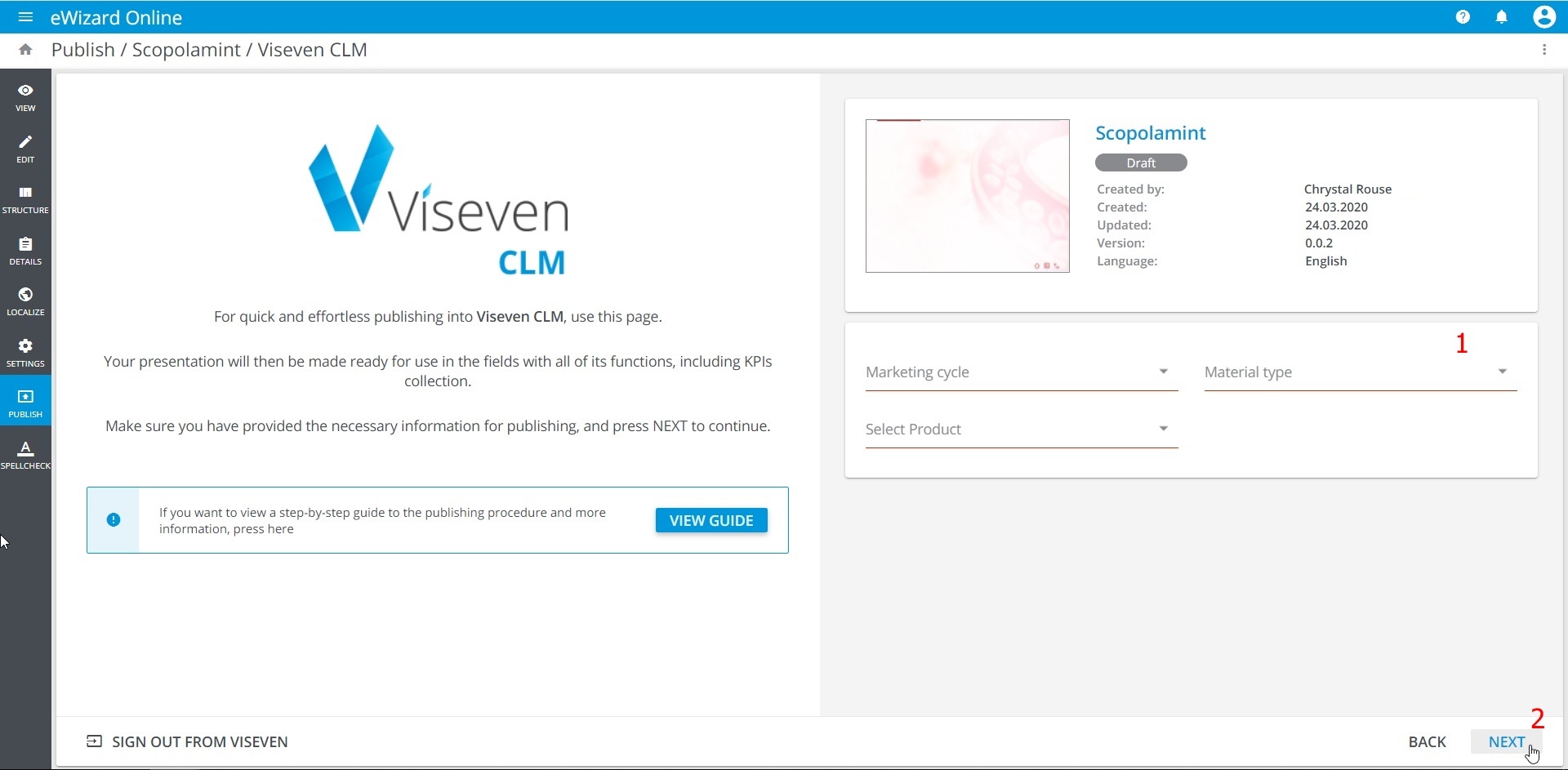
- Fill in the metadata fields [1]:
Marketing cycle: the time period of the relevant product promotion.
Material type: select
Remote presentationto make your e-Detailer available for Remote call functionality.Product: Viseven CRM, your e-Detailer is linked in to the product specified here.
- Click
NEXTto continue [2]:
Review the
Publishing summarysection [1].Click
PUBLISH[2]:
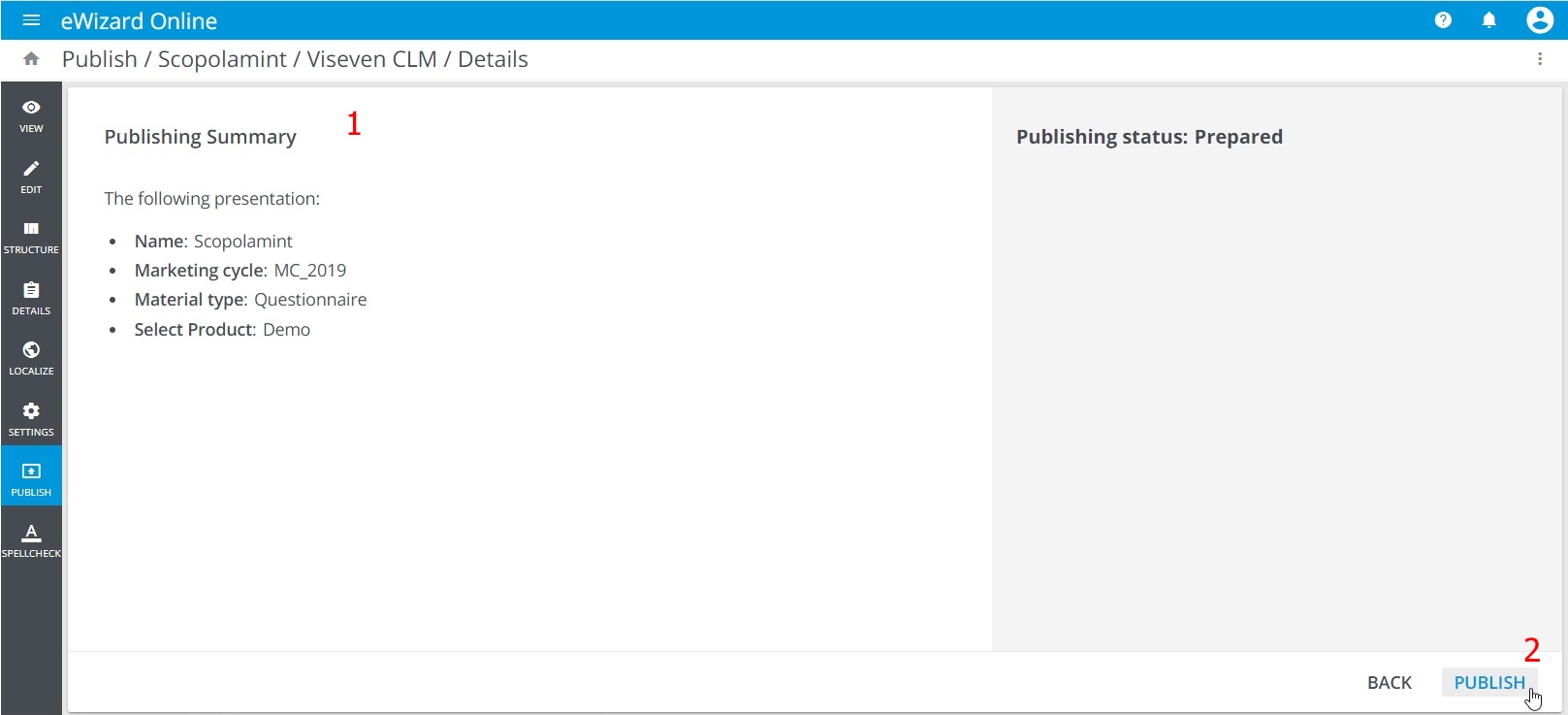
- The publishing process is started. You can view the progress and steps:
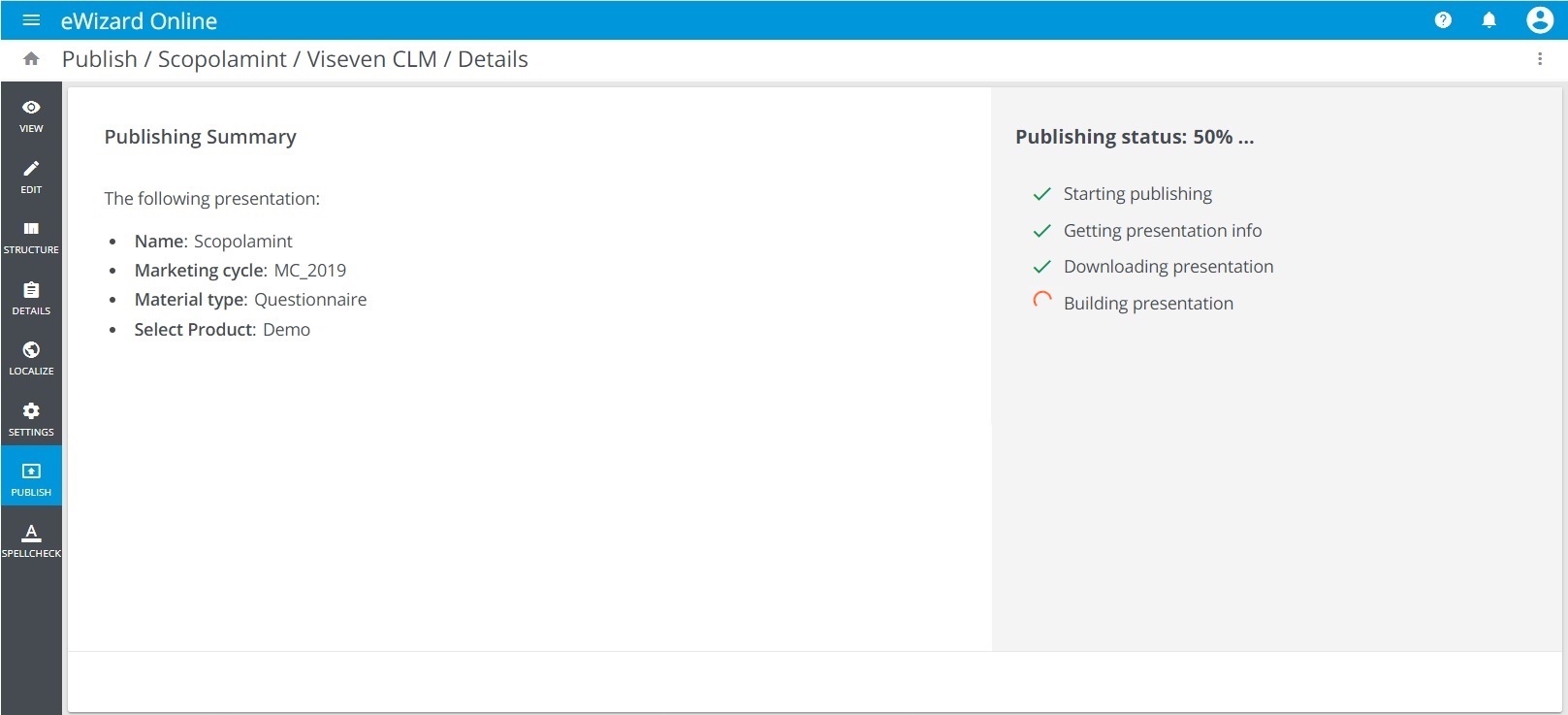
Once publishing is complete, the presentation appears in the Products Materials subsection of Products section in your Viseven CRM.
As a follow-up to each publishing process, regardless of its result (success or failure), a notification is sent to your email address.