# Edit e-Detailers collaboratively
Available for Classic e-Detailers
Collaborative editing is simultaneous work on the same item by several users. In this mode, the collaborators have access to item Structure and the slides that aren't edited by other users. In such a way, each collaborator is responsible for their piece of content and you can get a ready-made e-Detailer much faster.
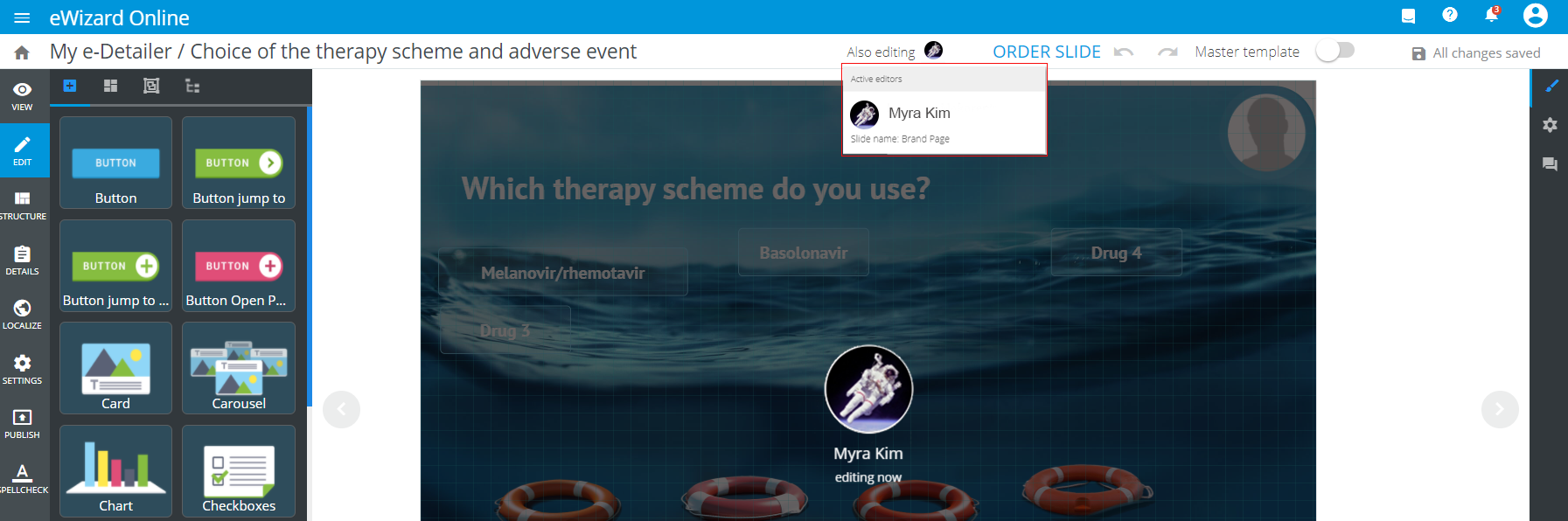
To get started, share your e-Detailer with the collaborators and assign them the Editor role. Once your collaborators start working on the given e-Detailer, your Editor immediately notifies you who is modifying which slide at the moment. The slides being edited by one user along with the Master template feature become locked for the rest of collaborators:
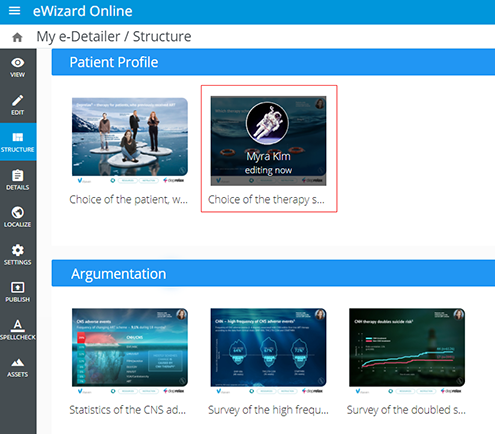
In Structure, you can also see the slides that are currently under editing:
The navigation bar allows you to preview, edit, find details, and publish your e-Detailer. The rest of the item options are locked.